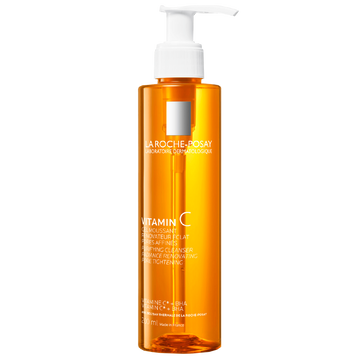
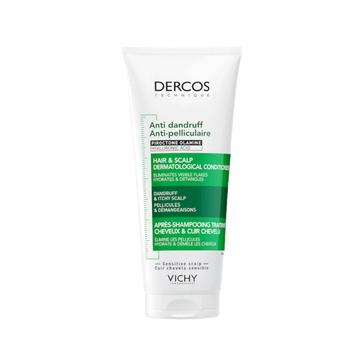

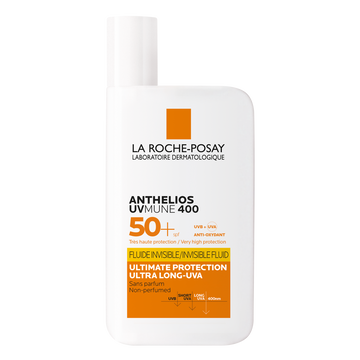

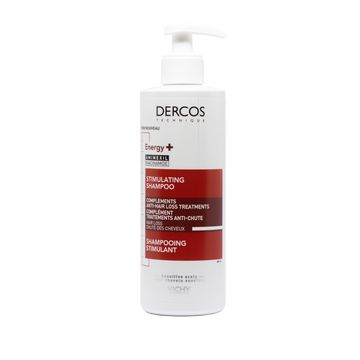




- 100 points €1 off
- Participating Brands La Roche-Posay, Cerave, Vichy & Kin
- Reedem Site-wide
How to use your points


Good to know
How much are my points worth?
Every 100 points is worth €1. You choose how much to use each time, with no minimum.
Which email do I log in with?
The same email you registered with in the Prohealth Loyalty App. This is how the website finds your points.
Can I use my points with other offers?
Yes. Your points discount works with offers and free gifts already in your cart. It can't be combined with another discount code.
Why is there a number next to my products?
That number is the reference for your points discount. You'll see it again at checkout. This is normal.
I generated a discount but didn't use it
It's saved under Unused Discounts in the gift icon menu, with its value and the date you generated it. Tap the copy icon next to the code and paste it at checkout whenever you're ready, within one year of generating it.
Will I still get free delivery?
Free delivery and free gifts are based on your total after discounts. If using your points takes your order below €40, delivery is €3.50.
How do I earn points online?
Every online purchase of La Roche-Posay, Vichy, CeraVe or Kin adds points to your account automatically.
Not a member yet?
Download the Prohealth Loyalty App to start collecting points.